 Duel
Duel  Games
Games  Sports
  Chat
Chat 
Duel Casino Registration and Login Process for UK Players
Duel Crypto Casino accepts all UK residents, whether you are in Northern Ireland, Britain, Scotland or Wales. You must register your account to access our services. We accept residents who are 18 or older. The Duel Casino registration process is straightforward and simplified. We don’t ask for a lot of information. Instead, we keep it simple by asking for your username and password to protect your account.
You can complete the process on your desktop browser, phone browser or mobile app. Players only need one account to access our content from any device.
How to Sign Up at Duel Casino
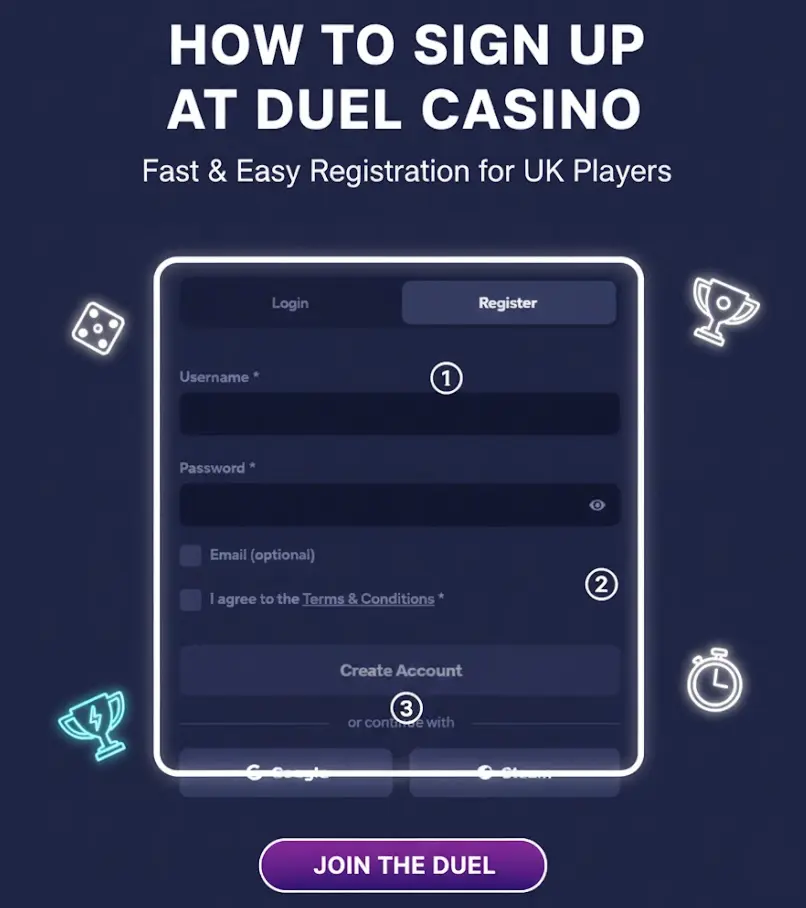
You need to sign up to play games or access our features. Fortunately, the process is simplified to allow quick registration. However, we don’t accept just anyone. For starters, you must be of legal age, that is, 18 or older. You need a valid email through which we can communicate with you. Here is how to complete the Duel Casino registration:
- Registration: Click the “Register” button at the top of the page.
- Username: You will get the sign-up form. Create your username. You can do this until you create a username that is not already registered.
- Password: Create a strong password. It should have at least one uppercase letter, one lowercase letter and one number.
- Affiliate code: Enter the affiliate or promo code if you have one.
- Email address: You can check the email box and type your address.
- Terms and conditions: Accept our terms and click the Duel Casino sign up button. You will gain instant access to your profile.
Account Verification at Duel Casino
We might ask you to verify your identity at our discretion. When you get the notification, complete the verification within the given period; otherwise, your Duel login credentials will become obsolete. Account verification is important for various reasons.
For instance, it is a way of complying with gaming regulations. It also helps in preventing fraud and money laundering. You will be required to upload several documents, including your ID, utility bill and bank statement. Your ID will be used to verify your identity. Simply complete the log in and go to the verification tab to upload your ID or driver’s license. Upload your electricity or any other utility bill to prove your address.
You may need to upload your bank statement if we suspect money laundering or any other financial crime. Your documents should have matching information. For example, your utility bill should have the same names as those on your ID. Avoid completing another Duel Casino registration when you fail the verification process. Instead, contact customer support for help.
How to Log In to Duel Casino
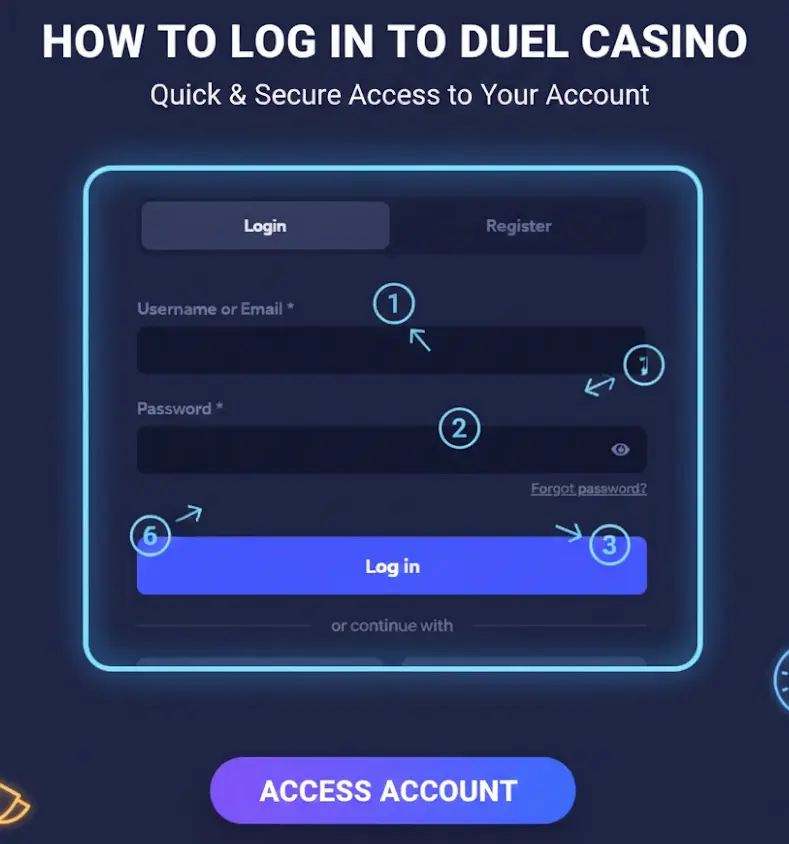
You need to duel casino log in to your account every time you want to play or access your dashboard. Players gain login details by registering their accounts. Your sign-in information includes your username and password. Here is how to use these details to gain access to your account:
- Logging in
Click the login button that appears at the top when you load our website on your browser.
- Username
Type your username. Remember to write the username as you did during the Duel Casino sign up process. Observe the capitalisation to avoid issues.
- Password
Type your password. Again, remember to check the spelling.
- Authentication
Request your 2-factor authentication code if you have enabled the security feature.
- Login completion
Click the login button. If you are having problems logging in, you can try a few things, like resetting your password. You can also contact customer support if your new details are not working.
Login via Mobile App
You can access our platform easily via your mobile device. Simply launch the mobile application on your home page and tap the login tab. You will get two fields, where you can add your username and password. If you have enabled the 2-factor authentication, request a code and fill it in.
You can then join your account, deposit, play and do other things that the platform allows. Users cannot Duel Casino app login on their mobile device if they don’t have an account. Still, you don’t need to go through another Duel Casino registration if you already have an account with us.
Updating Your Personal Data
Personal data includes your email, phone number, home address and IP address. We keep any collected personal information encrypted and on a secure server. Players provide these details while completing the sign up stage or during verification.
Our systems may also collect information such as the type of device you are using and your IP address. We don’t use this information maliciously or share it with third parties. Only a few employees have access to your data, and they can only access it after getting authorised. You are expected to keep your Duel login credentials secure and enforce the security of your account with 2-factor authentication to prevent data leakage.
Common Duel Casino Login Issues for New Players
Some issues may arise, preventing you from logging into your account. Below is a table showing some of the common issues and how to resolve them:
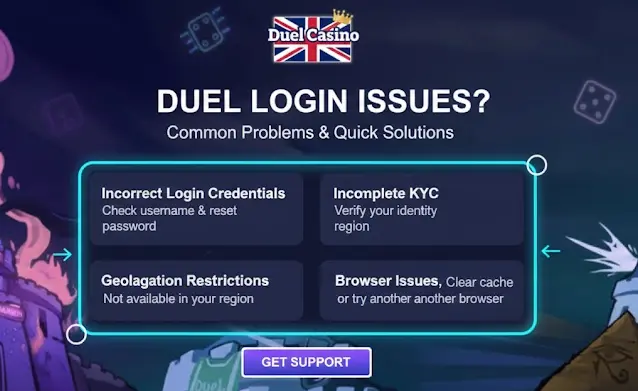
| Possible issues | Solutions |
|---|---|
| Incorrect Duel login credentials | Entering details that don’t match what you provided during registration can keep you out of your account. Check the spelling of your username and use the password recovery instructions to reset your password |
| Incomplete KYC | We might ask you to verify your identity after detecting fraud or other issues. You can get blocked from your account for failing to complete the KYC verification. |
| Geolocation restrictions | If you are a UK resident taking a vacation in a restricted region, you might not be able to join your account. |
| Browser issue | You probably have the correct login details, but are still unable to sign in. Try clearing your browser cache. You can also update the browser or use another one. |
How to Delete Your Duel Casino Account
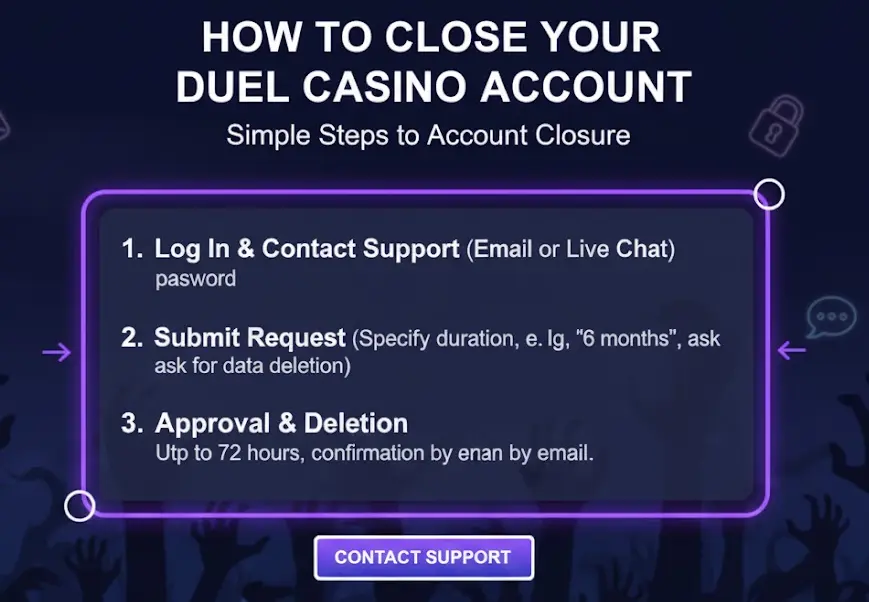
Deleting your casino account is easy. You can close the account temporarily or permanently. You will not be able to use your Duel Casino login details to access your account once you close your account. Here is how you can close your account:
- Log in: Duel Casino sign in to your account and choose your communication channel. You can use email or live chat.
- Account closure request: Write to the customer support requesting them to close your account. Be detailed and clear. For example, if you want to be excluded from the platform for only six months, say that. Ask the agent to delete your details, including the information provided during the registration.
- Request approval: Your request will be forwarded to a product manager. They will review your request and access your account to implement your request. It will take up to 72 hours for the team to close your account. You will receive an email once your account is closed. You will not be able to use your login details to sign back in.
How to Recover Your Password
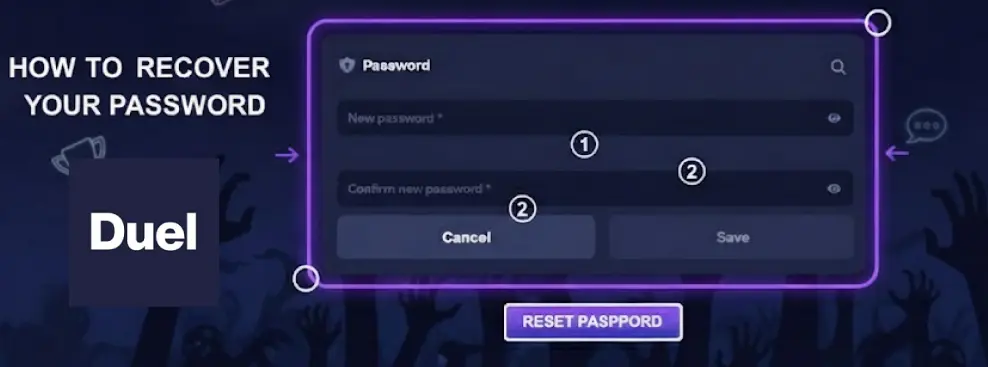
You can reset your password if you can’t remember your Duel login credentials. The process can be initiated on the login window, where you click the forgot password link. You need to provide your email, to which we will send the password recovery instructions.
Go to your email to access the recovery instructions. Open the link to get a reset page where you can create your new password. Confirm by retyping the same new password. While filling in your email during the registration is optional, it plays a huge role when recovering your account. You can go to your profile to update your information.


